


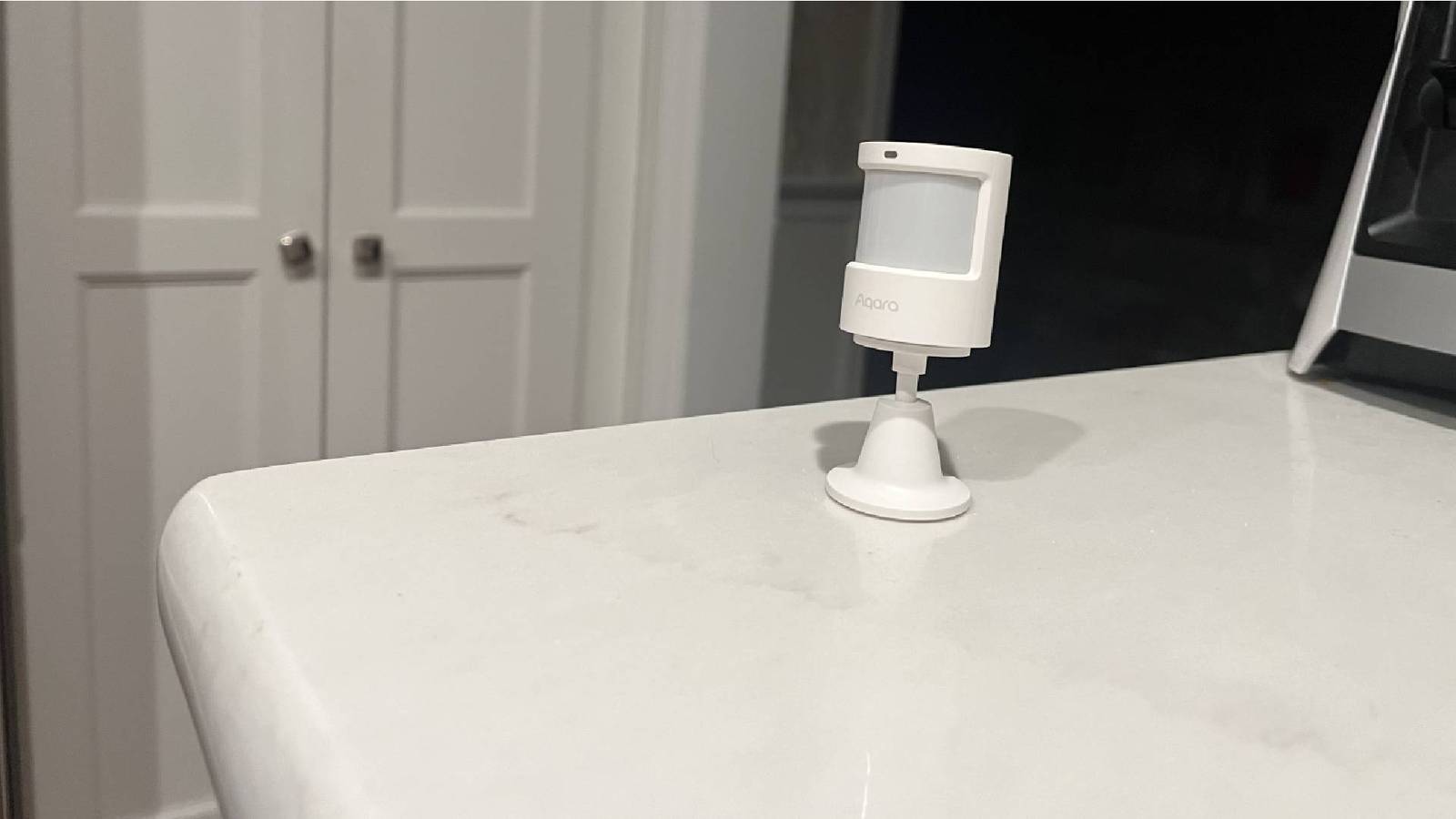
Motion sensors are inexpensive smart home devices that can be incredibly useful. One of their most common uses is to turn on lights when someone enters a room, but there’s a lot more that you can do with them.
Turning off devices when no one is around
While the most obvious purpose for motion sensors is to turn lights on when motion is detected, they can turn on far more than lights. Leaving devices on standby can add a surprising amount to your annual energy bills, with the combination of multiple vampire devices, such as set-top boxes, potentially using hundreds of dollars a year in electricity.

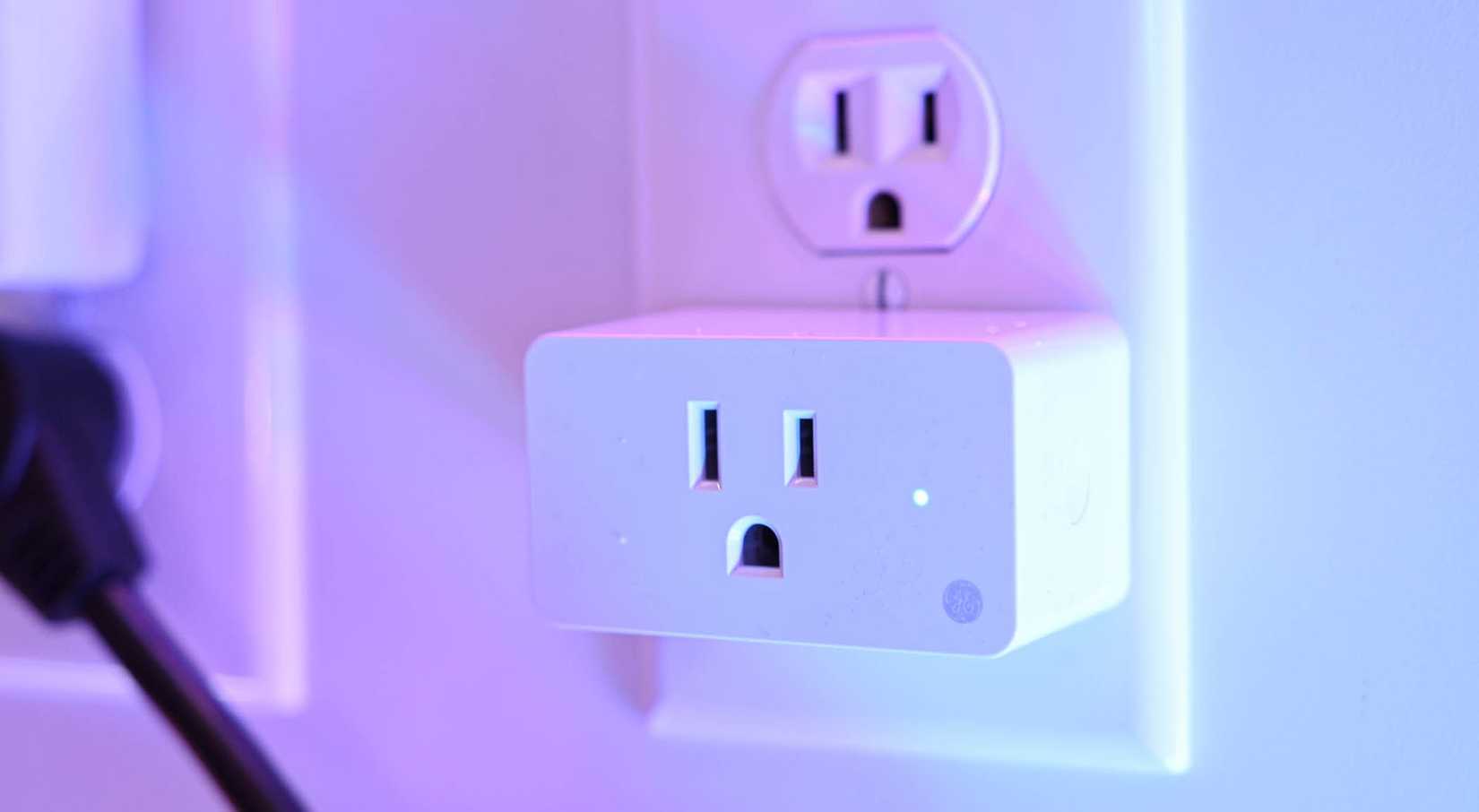
Using a smart plug, you can power these devices off completely on a set schedule, so that they don’t use standby power. With your motion sensor, you can then have the smart plug turn on when motion is detected, so the devices are ready to use when you sit down to watch.
One drawback is that motion sensors only detect motion, not presence, so you’ll need to think about how you want your smart plug to act after a period where no motion is detected. For example, you could create an automation that would turn the set-top box off after 30 minutes without motion being detected, unless the TV is powered on, in which case the set-top box plug should stay powered.


9 Reasons I Use mmWave Sensors in My Smart Home
You can use mmWave sensors to monitor presence rather than simply detecting motion.
Only heat or cool rooms when you’re in them
Using motion sensors to turn on devices when you need them can save you a significant amount of money, and you can use motion sensors to cut even more off your energy bills. Motion sensors can make it possible to turn up the heating or cooling for rooms when you’re in them, so you’re not paying to heat or cool a room unnecessarily.


You’ll need some additional tech to make this work, such as smart AC vents or smart thermostatic radiator valves (TRVs) that can provide heating or cooling to a single room. You may be able to recoup the cost of these devices over time with the savings that they can bring.
You can then turn down your heating or cooling for each room by default, and only have it turn up when motion is detected in a specific room. Once again, you’ll need to factor in what happens when no motion is detected for a sustained period.
For example, you could set the heating to run for 45 minutes once motion is detected, and only turn off if no further motion is detected during that time. You may want to add further conditions to your automation, such as only running when people are at home, and turning the heating or cooling off when a room reaches a set temperature. With the proper conditions, it can be remarkably effective.
Triggering morning routines
This is one of my favorite uses for motion sensors, because it really makes it feel like I’m living in the future. I have a morning automation that announces key information for the day through the kitchen smart speaker, such as what’s on the calendar, which after-school activities the kids have, what they have for lunch, if the trash needs to go out, the weather for the day, and more. I wanted a way to ensure that this announcement wasn’t read out when no one was in the kitchen to hear it.


A motion sensor was a simple solution to the problem. I have an automation that is triggered by the first motion detected in the kitchen after 7:30 AM. Once motion is detected, the automation waits two more minutes. As long as further motion is detected within that time, it reads the announcement aloud.
The effect is really impressive. When we come down for breakfast during the week, we’re greeted with a useful spoken announcement with all the key information we need for the day. When we get up later on the weekends, it still works in the same way, as nothing is triggered until we first enter the kitchen.
Getting reminders in specific locations
Once I’d set up the motion sensor for the morning announcements, I wondered if I could use them for other similar purposes. It turns out that they can be incredibly useful all around the house.
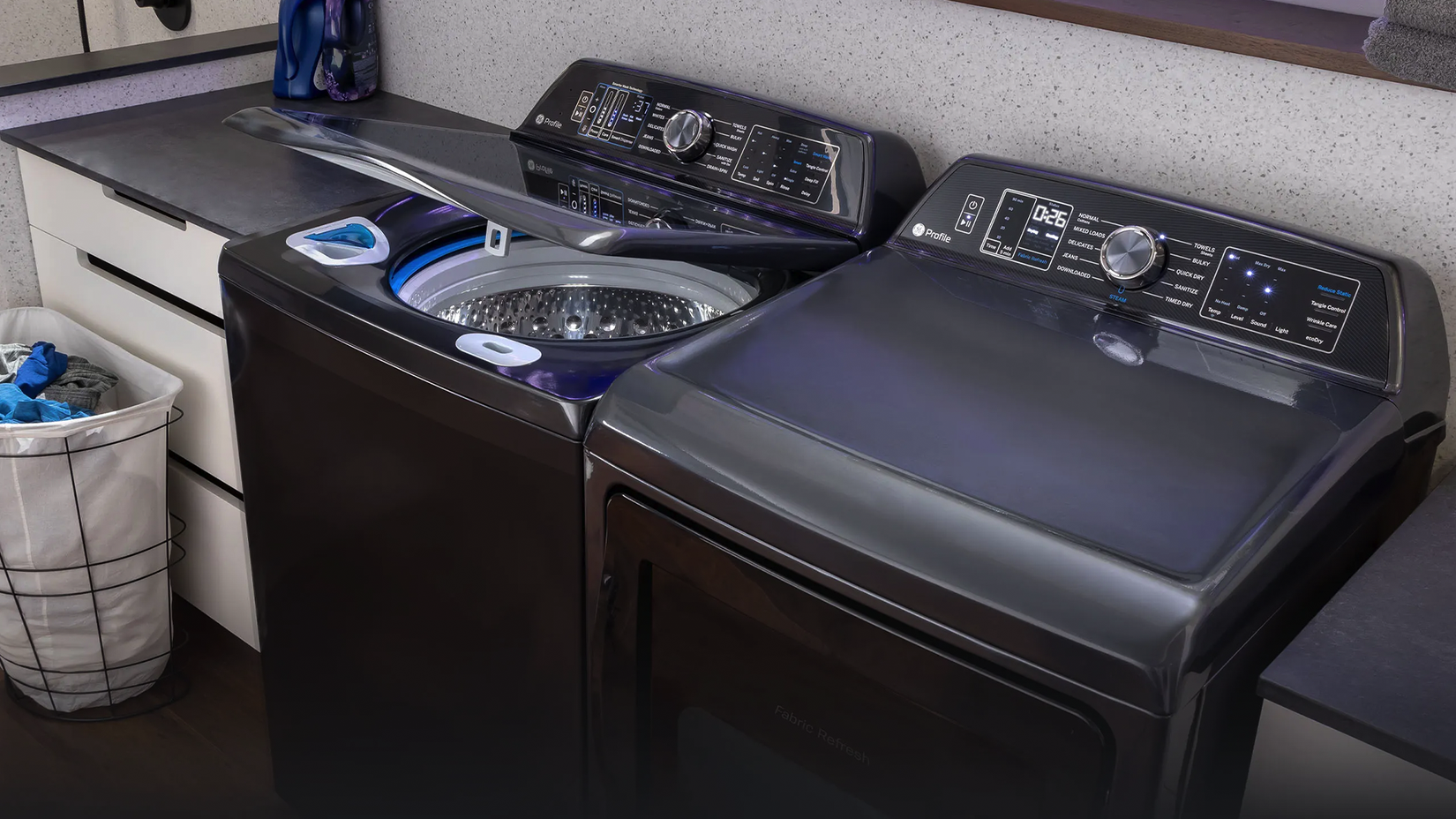
I have a motion sensor in the utility room, for example. Once the washer or dryer has finished, which I monitor with a vibration sensor, the next time anyone enters the utility room, they hear a spoken reminder to empty the washer or dryer. This repeats every time someone returns to the utility room after a set period, until they press a smart button stuck to the side of the washer to confirm that the laundry has been unloaded.
Once the morning briefing has been delivered, I use the kitchen motion sensor to remind me to put away one thing every time motion is detected in the kitchen after a period of inactivity. It reminds me to clear some things away when I go and make a coffee or fill up my water bottle, for example, which makes keeping the kitchen in order so much easier.
Mailbox alerts
If you have a mailbox that’s outside your home, you don’t want to have to keep trekking back and forth to check whether the mail has arrived. A motion sensor is the perfect solution to this problem.

All you need to do is place a battery-powered motion sensor inside your mailbox. With a little trial and error, you should find the best position for it to detect when mail is placed into your mailbox. You can then send a notification to your phone to alert you that you’ve got mail.
Motion sensors can be surprisingly versatile tools in your home, and you can use them for a lot more than you might think. If you’re using motion sensors for automations that would work better with presence rather than motion detection, then a presence sensor can make things even more accurate.
link